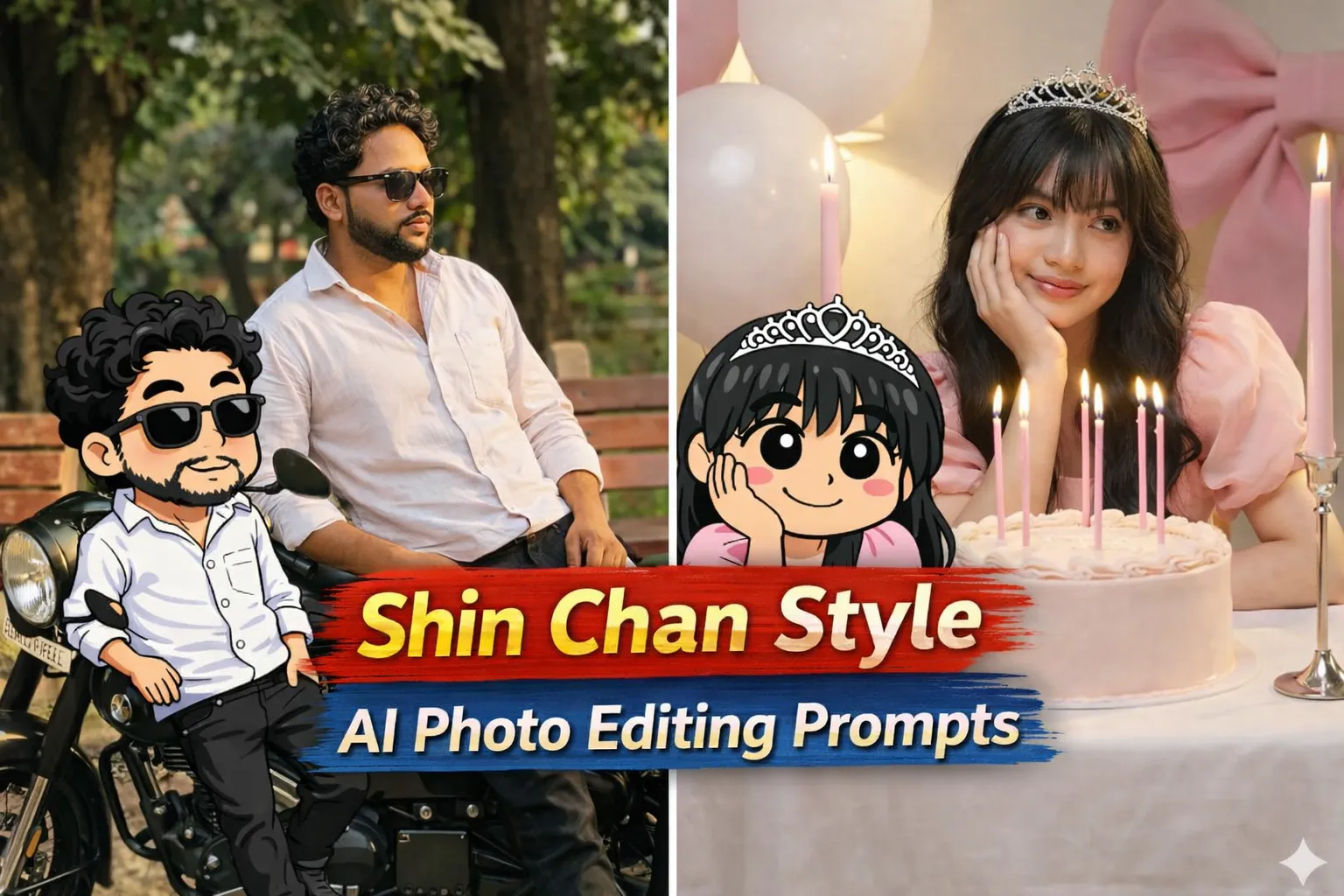
Shin Chan ek aisa cartoon character hai jo kids ke saath-saath adults me bhi bahut popular hai. Uska funny expression, big eyes, chubby face aur mischievous style social media par hamesha viral rahta hai. 2026 me AI ke saath Shin Chan style cartoon photos ek naya creative trend ban chuka hai.
Isi trend ko power deta hai Google Gemini Shin Chan Style AI Photo Editing Prompts. AI ki madad se aap bina editing kiye hi bahut hi kam mehnat me apni normal photo ko cute, funny aur cartoon-style Shin Chan character me convert kar sakte ho.
Is article me tum jaanoge:
- Shin Chan Style AI Photo Editing Prompt kya hota hai
- Google Gemini se cartoon Shin Chan look kaise banayein
- Prompt ko sahi tarike se kaise use karein
- Different Shin Chan styles ke liye prompt placeholders
Shin Chan Style AI Photo Editing Prompt Kya Hota Hai?
Shin Chan Style AI Photo Editing Prompt ek text-based instruction hota hai jo AI ko batata hai:
- Photo ko Shin Chan–inspired cartoon style me convert karna
- Face ko cute, chubby aur expressive banana
- Cartoon outlines, flat colors aur simple background use karna
- Overall mood funny, playful aur kid-friendly rakhna
Agar prompt clear ho, to AI output hand-drawn Shin Chan–style illustration jaisa lagta hai.
Shin Chan Style AI Photos 2026 Me Kyun Trend Karengi?
2026 me is style ke trend hone ke kuch strong reasons:
- Funny & cute look – instant smile factor
- Instagram DP & Reels friendly
- Kids + nostalgia audience dono target hote hain
- Cartoon avatar trend fast grow kar raha hai
Isi liye creators Shin Chan style AI photos ko reels, profile pics aur stickers me use kar rahe hain.
Google Gemini Se Shin Chan Style AI Photo Kaise Banayein?
Step 1: Google Gemini Open Karein
Gemini AI ka image generation ya image editing feature open karein.
Step 2: Apni Photo Upload Karein
- Front face, clear photo upload karein
- Neutral expression best cartoon output deta hai
Step 3: Prompt English Me Paste Karein
- Prompt English me hi paste karein
- Cartoon details clearly mention karein
Step 4: Generate & Improve
- Output dekhein
- Agar face zyada realistic lage to “more cartoonish, flat colors” add karein
- 1–2 variations try karein
Google Gemini Shin Chan Style AI Photo Editing Prompts 2026
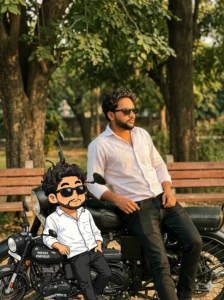
Convert the subject from the uploaded photo into an authentic Crayon Shin-chan–style anime character, designed as if they naturally belong to Shin-chan’s group of friends (similar in vibe to Kazama, Nene, Masao, and Bo-chan).

Art Style & Look:
Follow the official Crayon Shin-chan TV anime aesthetic—playful exaggerated humor, short and stubby childlike proportions, large oval eyes with dot pupils, expressive cartoon mouths, bold clean outlines, and flat cel-style coloring.

Identity & Outfit Consistency:
Preserve the subject’s original clothing, hairstyle, accessories, pose, skin tone, and facial expression, keeping them clearly recognizable. Reinterpret these elements within the Shin-chan universe by simplifying outfits into bold, flat anime shapes while staying faithful to the original design.

Character Rendering:
• Full-body illustration
• Thick outlines and flat color fills
• Minimal or no shading
• Comedic proportions and expressions inspired by Shin-chan’s friends

Background:
• Fully transparent background

Strict Style Rules (Negative Prompt):
• No realistic facial features
• No detailed shading or 3D effects
• No manga-style sketch lines
• No additional accessories beyond the reference
• No anime style outside the official Crayon Shin-chan look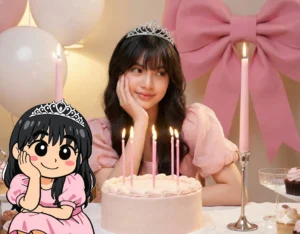
Recreate the subject from the uploaded photo as a Crayon Shin-chan–style anime character, designed as if they naturally belong to Shin-chan’s circle of friends.

Style & Aesthetic:
Follow the authentic Crayon Shin-chan TV anime look—short, stubby childlike body proportions; large oval eyes with dot pupils; highly expressive mouths; and bold, clean outlines.

Identity & Outfit Preservation:
Keep the subject’s original clothing, hairstyle, accessories, pose, skin tone, and facial expression clearly recognizable, but reinterpret them within the Shin-chan universe. Outfits should be simplified into bold, flat anime shapes while remaining faithful to the original design.

Visual Treatment:
• Full-body character illustration
• Thick outlines with flat cel-style color fills
• Minimal or no shading
• Comedic proportions and expressions inspired by Shin-chan’s friends

Background:
• Plain white or transparent background only

Strict Style Constraints (Negative Prompt):
• No realistic facial features
• No detailed shading or 3D rendering
• No manga-style sketch lines
• No extra accessories beyond the reference
• No anime style outside the official Crayon Shin-chan aestheticShin Chan Style AI Photos Ko Viral Kaise Banayein?
- Funny expressions zyada perform karte hain
- Over-detailing avoid karo (simple cartoon look best hota hai)
- Caption example: “Shin Chan style AI cartoon”
- Hashtags: #ShinChanAI #CartoonEdit #GeminiAI
Ye cheezein likes, shares aur profile visits badhati hain.
Common Mistakes Jo Avoid Karni Chahiye
- Too realistic face
- Dark or dull colors
- Over-shading effects
- Prompt Hindi me likhna
Simple + cute + cartoon = best output
Final Words
Google Gemini Shin Chan Style AI Photo Editing Prompts creators ke liye ek fun, cute aur high-engagement trend hai. Sahi prompt aur playful style ke saath aap apni simple photo ko Shin Chan–inspired cartoon avatar me convert kar sakte ho jo reels, DP aur stickers ke liye perfect hota hai.
Agar aap aise hi copy–paste ready AI cartoon photo prompts Hindi me chahte ho, to Bloggerohan.com ko bookmark karna mat bhoolna. Yahan par aapko milte rahenge latest, trending aur working AI prompts.
Also Read:
- Ink Splash Painting AI Photo Editing Prompts 2026
- 26 January Republic Day AI Photo Editing Prompts 2026

I’m Rohan, an AI prompt creator from Kanpur, UP, India, focused on sharing copy–and–paste–ready AI photo and video editing prompts for modern content creators.