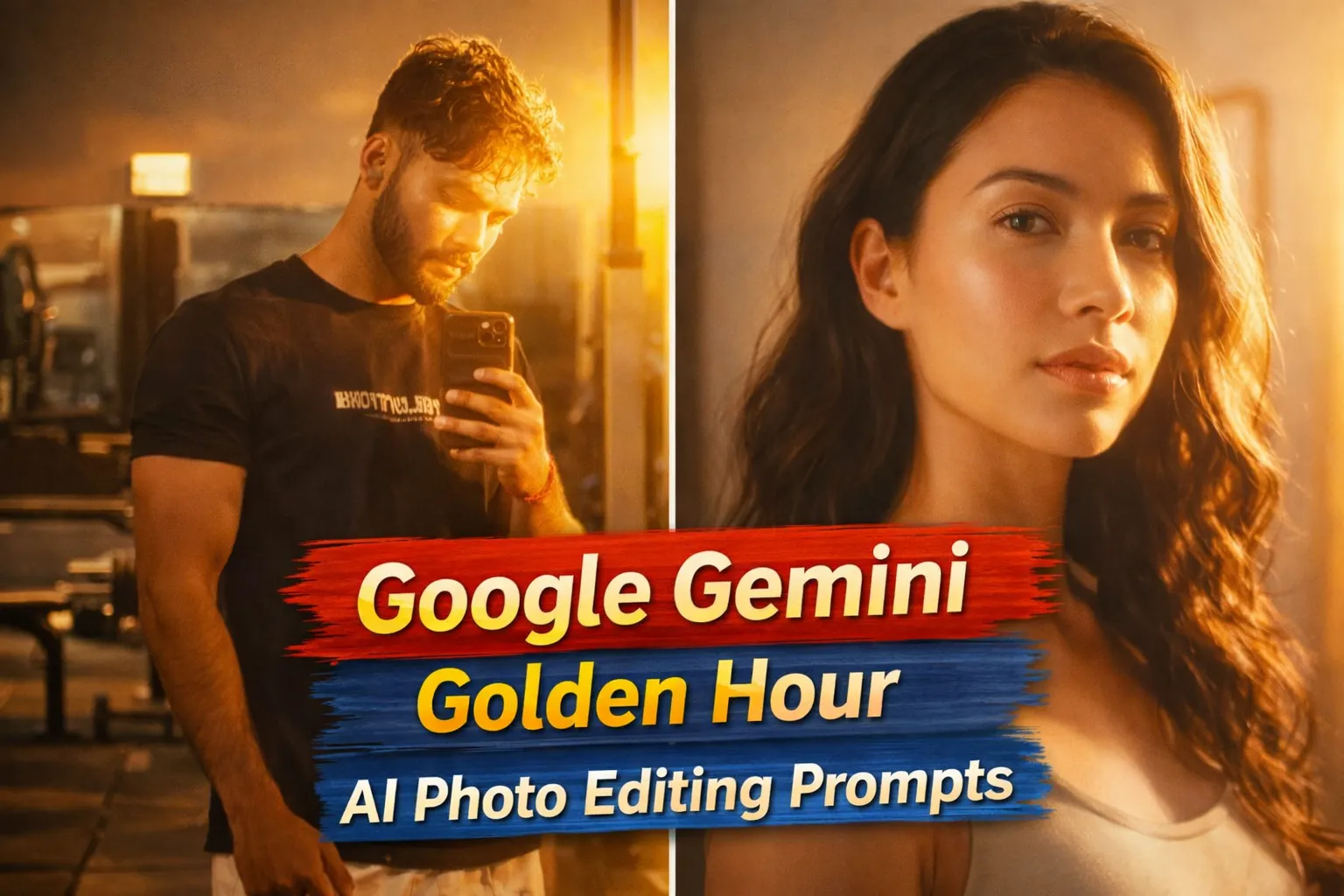
Golden Hour photography ka magic sab jaante hain soft sunlight, warm tones, long shadows aur natural glow. Lekin har time real golden hour me photo click karna possible nahi hota. Kabhi light miss ho jaati hai, kabhi timing, kabhi location.
Isi problem ka smart solution hai Google Gemini Golden Hour AI Photo Editing Prompts. AI ki madad se aap kisi bhi normal photo ko sunset-style, golden glow aur cinematic lighting ke saath transform kar sakte ho bina DSLR ya perfect timing ke.
Is article me tum jaanoge:
- Golden Hour AI Photo Editing Prompt kya hota hai
- Google Gemini se golden hour effect kaise banayein
- Prompt ko sahi tarike se kaise use karein
- Different golden hour styles ke liye prompt placeholders
Google Gemini Golden Hour AI Photo Editing Prompt Kya Hota Hai?
Golden Hour AI Photo Editing Prompt ek text-based instruction hota hai jo AI ko batata hai:
- Photo me sunset ya sunrise jaisa warm light add karna
- Skin tones soft aur glowing rakhna
- Background me natural light rays aur shadows dikhana
- Overall look cinematic aur realistic banana
Agar prompt clear ho, to AI output real golden hour photography jaisa lagta hai.
Golden Hour AI Photos Me Kyun Trend Karengi?
2026 me golden hour AI photos ke trend hone ke kuch strong reasons:
- Timeless aesthetic – kabhi out of trend nahi hota
- Portrait & lifestyle friendly – har niche me kaam aata hai
- Instagram & DP perfect – warm tones high engagement laate hain
- Reel-friendly look – smooth cinematic vibe
Isi liye creators, influencers aur photographers 2026 me bhi golden hour AI edits ko prefer karenge.
Google Gemini Se Golden Hour AI Photo Kaise Banayein?
Step 1: Google Gemini Open Karein
Gemini AI ka image generation ya image editing feature open karein.
Step 2: Apni Photo Upload Karein
- Natural light wali photo best result deti hai
- Face clearly visible hona chahiye
Step 3: Prompt English Me Paste Karein
- Prompt English me hi likhein
- “golden hour light”, “warm sunset glow” jaise keywords use karein
Step 4: Generate & Improve
- Output check karein
- Agar light zyada harsh lage to “soft sunlight” add karein
- 1–2 prompt variations try karein
Google Gemini Golden Hour AI Photo Editing Prompts
Apply a dramatic night-flash aesthetic to the uploaded photo while preserving every original detail of the image. No elements should be changed except for lighting, glow intensity, and overall color mood.

Keep the nighttime setting dark, deep, and naturally unlit. All existing shadows, silhouettes, and background details must remain intact. Do not brighten or modify the background, aside from subtly enhancing any existing point light sources to maintain a believable night atmosphere.

Light the subject using a powerful, warm, front-facing flash that clearly focuses on the face and upper body. The subject should become the brightest element in the frame. Introduce soft, diffused light rays that interact with the skin, creating glowing highlights on the cheekbones, nose bridge, lips, and individual hair strands.

Maintain a strong contrast between illuminated areas and deep shadows to achieve a cinematic, high-impact night-flash mood with clear subject separation and visual depth.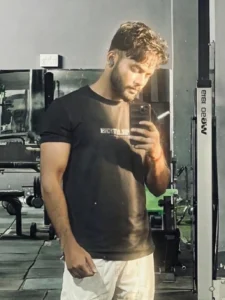
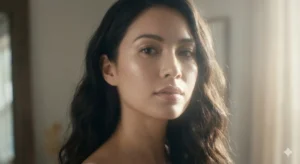
Apply a soft ethereal lighting effect to the uploaded photo while fully preserving all original details of the image. Do not alter the subject’s face, hair, or identity in any way. Only lighting, glow, and color mood may be adjusted.

Introduce diffused sunlight gently interacting with the subject’s skin, creating luminous highlights on the cheekbones, nose bridge, lips, and hair strands. Maintain a clear distinction between bright, sunlit areas and deep, soft shadows to achieve a cinematic high-contrast look.

Add a subtle lens bloom and a thin atmospheric glow layer around the face and shoulders for a dreamy, elevated feel. Skin tones should appear smooth and radiant with gentle tonal transitions, without over-smoothing or artificial shine.

Slightly lower overall color saturation while keeping tones natural and balanced, adding a calm, film-like softness to the image.

Keep the background completely intact and realistic. Allow the sunlight and softbox-style lighting to naturally wrap around the subject without changing environmental details.

The final result should feel cinematic, luminous, and refined, with absolute preservation of the subject’s facial features and hair.Golden Hour AI Photos Ko Viral Kaise Banayein?
- Face pe soft glow zaroor ho
- Over-saturation avoid karo
- Caption example: “AI-generated golden hour glow”
- Hashtags: #GoldenHourAI #AestheticEdit #GeminiAI
Ye cheezein reach aur saves dono badhati hain.
Common Mistakes Jo Avoid Karni Chahiye
- Over-bright sunlight
- Artificial orange skin tones
- Low-resolution input images
- Prompt Hindi me likhna
Final Words
Google Gemini Golden Hour AI Photo Editing Prompts creators ke liye ek must-have visual style hai. Chahe portrait ho, lifestyle ho ya reel content golden hour lighting har photo ko premium, emotional aur cinematic look deti hai. Sahi prompt aur sahi balance ke saath aap kisi bhi normal image ko sunset-magic artwork me convert kar sakte ho.
Agar aap aise hi copy–paste ready AI photo editing prompts Hindi me chahte ho, to Bloggerohan.com ko bookmark karna mat bhoolna. Yahan par aapko milte rahenge latest, trending aur working AI prompts har aesthetic aur festival ke liye.
Also Read:
- Google Gemini Digital Painting AI Photo Editing Prompts 2026
- Trending Makar Sankranti AI Photo Editing Prompts 2026

I’m Rohan, an AI prompt creator from Kanpur, UP, India, focused on sharing copy–and–paste–ready AI photo and video editing prompts for modern content creators.