
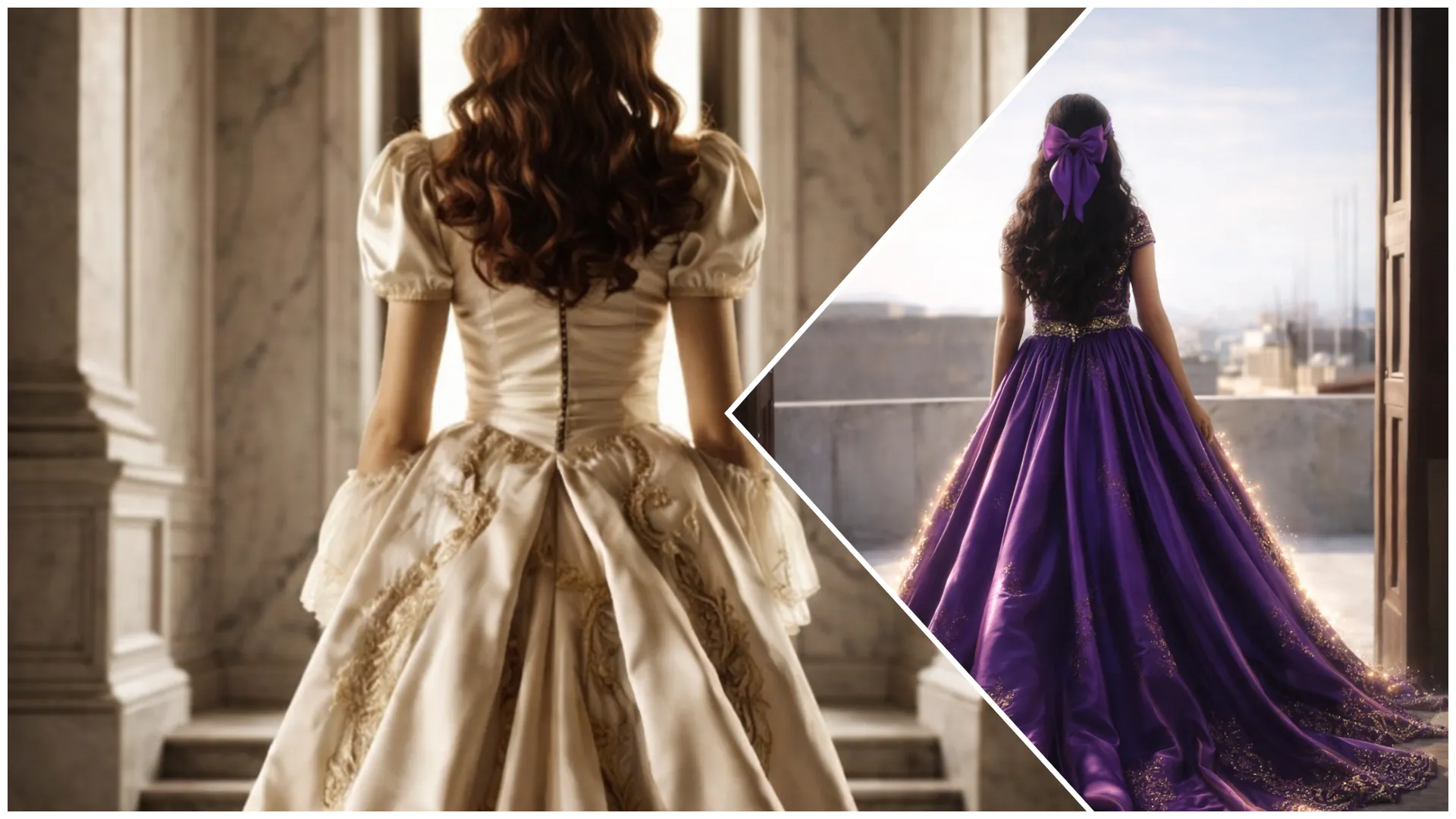
Aaj kal Instagram Reels aur YouTube Shorts par princess transformation AI videos ka trend bahut viral ho raha hai. Is trend me ek normal girl photo ya video ko AI ki madad se royal princess dress transformation video me convert kiya jata hai. Result me video ek fairy-tale scene jaisa lagta hai, flowing gown, magical lighting aur cinematic background ke saath.
Ab aap bhi sirf ek simple photo aur sahi Princess Girl AI Video Editing Prompt ke through AI princess transformation video bana sakte ho using ChatGPT & Flow AI video generator tool ki help se.
Is article me tum jaanoge:
- Princess AI video editing prompt kya hota hai
- AI se princess transformation video kaise banayein
- Prompt ko cinematic aur magical kaise likhein
- Different princess styles ke liye prompt placeholders
Princess Girl AI Video Editing Prompt Kya Hota Hai?
Ye ek text-based AI instruction hota hai jo AI ko batata hai:
- Girl ka princess transformation scene ho
- Dress royal gown style ho
- Background castle ya magical garden ho
- Lighting dreamy aur cinematic ho
Agar prompt properly likha ho, to output ek Disney-style princess transformation reel jaisa lagta hai
Princess AI Videos Kyun Viral Ho Rahi Hain?
- Fashion + fantasy combination
- Reels friendly short videos
- Magical aesthetic visuals
- Transformation concept high engagement deta hai
Isi liye, princess AI prompts social media par kaafi viral ho rahe hain.
AI Princess Dress Video Kaise Banaye?
Step 1: AI Image Generator Open Karein
ChatGPT Image Generation tool open karein jo apki image ko princess dress me transform karega.
Step 2: AI Video Generator Open Karein
Flow video editing tool open karein jo transformation scenes generate kar sakta ho.
Step 3: Girl Photo Upload Karein
- Clear portrait photo best hoti hai
- Full body shot ho to dress transformation better lagta hai
Step 4: Prompt English Me Paste Karein
Prompt me keywords use karein:
- princess gown
- magical glow
- cinematic transformation
Step 5: Settings Select Karein
Aspect ratio
- Reel / Shorts → 9:16
Style
- Fantasy
- Princess
- Cinematic
Duration
- 5–8 seconds
Step 6: Final Touch
- Soft glow effects add karein
- Background music magical ho
Princess Girl AI Photo Editing Prompt
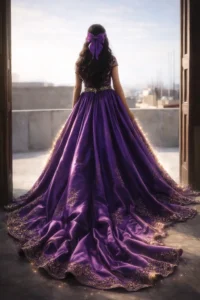
Transform the girl in the uploaded image into a royal princess viewed from behind.
Keep the same pose, body position, and location near the doorway, with her looking outside just as in the original image. Do not change the camera angle or posture.

Replace her outfit with a long, elegant royal princess gown or traditional lehenga featuring a dramatic flowing trail that extends naturally behind her. The dress must be [COLOR] only, made of luxurious silky fabric with a soft, slightly glossy shine and rich royal detailing. The fabric should show realistic folds, movement, and fine embroidery or subtle patterns suitable for a royal outfit.

Add soft glowing light along both sides of the dress, creating a gentle magical aura that enhances the elegance of the gown without overpowering the realism. The glow should softly illuminate the edges of the fabric and the flowing trail.

Keep the surrounding environment natural and cinematic, preserving the doorway setting. Soft daylight should stream in from outside the doorway, creating a dreamy atmosphere with natural shadows and warm highlights.

Ensure realistic body proportions, natural shadows, and highly detailed fabric textures.
Use cinematic lighting and depth of field to create a high-quality photorealistic image with a graceful, royal atmosphere.Princess Girl AI Video Editing Prompt
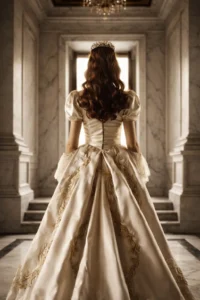
Create a cinematic short video of the same girl transformed into a royal princess, shown from the back view.

Maintain the exact same camera angle, framing, and composition as the original image. The background must remain completely unchanged — the hallway, doorway, walls, lighting, and environment should look identical to the original scene.

The girl is wearing a long, elegant royal princess gown with a flowing trail and a delicate crown placed on her head. The fabric should appear luxurious and silky with realistic folds and natural movement.

Action:
She begins to gracefully walk forward toward the doorway, moving slowly and elegantly. Her movement should feel natural and calm, with slight cinematic slow motion. The gown’s trail gently flows behind her as she walks.

The fabric of the dress subtly moves with each step, creating soft motion in the folds and the trailing fabric. Her hair and dress edges may move slightly to add realism.

Lighting:
Soft natural daylight enters through the doorway, creating warm highlights and gentle shadows along the gown and hallway.

Camera Style:
Static cinematic camera (no camera movement), shallow depth of field, smooth motion.

Visual Style:
Dreamy royal aesthetic, realistic lighting, elegant atmosphere, photorealistic textures, cinematic color grading.

The final video should feel like a royal fairytale moment captured in a cinematic film scene.Viral Banane Ke Pro Tips
- Reel duration 5–7 seconds rakhein
- Caption example:
“Every girl deserves a princess moment”
Hashtags
#PrincessAI
#PrincessTransformation
#AIVideoPrompt
Common Mistakes
- Too much glow effects
Face distortion - Unrealistic dress physics
Prompt Hindi me likhna
Fantasy + cinematic + soft lighting = best result
Final Words
Viral Princess Girl AI Video Editing Prompt ek amazing trend hai jisme simple photo ko magical princess transformation reel me convert kiya ja sakta hai. Sahi prompt aur cinematic effects ke saath aap ek normal clip ko viral princess video me convert kar sakte ho jo Instagram aur Shorts par easily viral ho sakta hai.
Agar aap aise hi copy–paste ready AI video prompts Hindi me chahte ho, to Bloggerohan.com ko bookmark karna mat bhoolna. Yahan aapko milte rahenge latest viral AI prompts reels, photos, aur edits ke liye.
Also Read:
- Viral Lehenga AI Photo Editing Prompts 2026
- Prompt for Gemini AI Retro Style – Vintage & Aesthetic Photo

I’m Rohan, an AI prompt creator from Kanpur, UP, India, focused on sharing copy–and–paste–ready AI photo and video editing prompts for modern content creators.